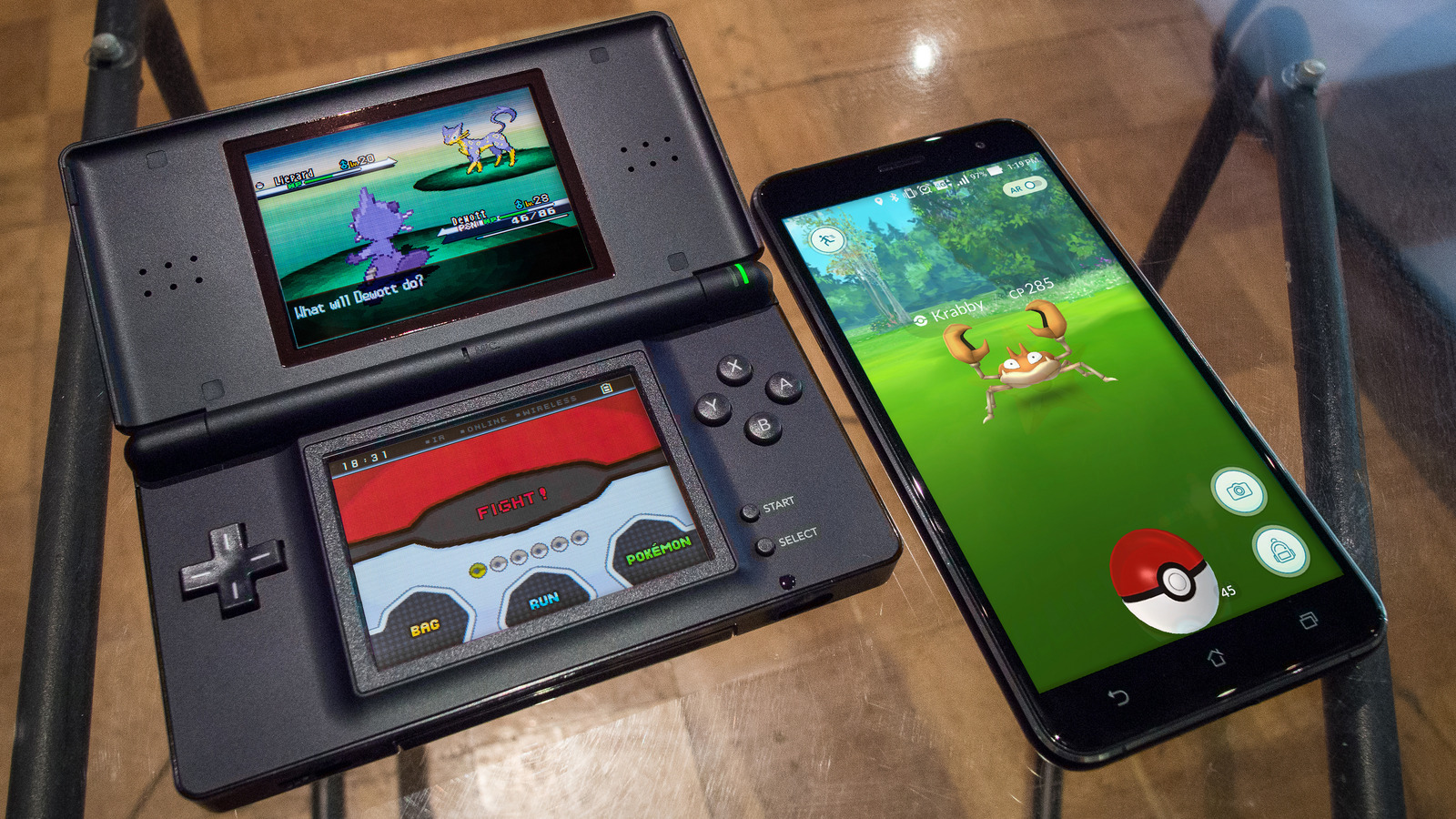
Mobile Console Emulation Changed Everything For Retro Gamers
There’s something magical about reliving the days of classic console gaming, but doing it from your phone, anywhere, anytime. I remember testing my first PlayStation emulator on a mid-range Android years ago; it wasn’t perfect, but it changed everything. Suddenly, nostalgia met mobility.
Today, Android hardware rivals old consoles in power. With the right emulator, you can run NES, SNES, PlayStation, GameCube, Wii, and even PS2 titles fluidly, complete with save states, controller support, and enhanced graphics. The hard part isn’t ifyou can do it, but whichemulator you should trust.
After exploring, testing, and comparing dozens of apps, I’ve compiled the 23 most reliable Android emulators that deliver performance, stability, and fun. Each one has its own charm; some recreate classic 8-bit nostalgia, others bring near-console quality to your pocket.
Key Takeaways
- Android emulators bridge the gap between mobile devices and console gaming with varying features to suit different players.
- Key emulator qualities include performance optimization, controller support, and device compatibility.
- Among the best are BlueStacks, NoxPlayer, LDPlayer, and MEmu, each excelling in specific aspects.
- Proper setup and tweaking can dramatically improve gameplay smoothness and responsiveness.
- Troubleshooting common issues like lag and crashes can be straightforward once you know the right steps.
How to Choose the Best Android Emulator for Console Gaming
Selecting the right emulator depends on several factors: your device specs, the types of games you want, and your preferred control method. Here’s what to consider:
- Performance:Look for emulators optimized to use your CPU and RAM efficiently. Low CPU consumption means less lag.
- Compatibility:Some emulators support a wider range of games and consoles, from classic retro titles to modern 3D games.
- User Interface:Clean, intuitive UI helps with easy navigation and quick setup.
- Controller Support:Essential for console-like gameplay, many emulators support Bluetooth controllers, keyboards, and mice.
- Latency:The lower the input delay, the better the responsiveness during fast-paced gaming.
- Customization:Ability to tweak resolution, frame rate, and control layouts for your preferred experience.
Here’s a quick tip from my experience: Always test an emulator with the specific console games you want before committing, as compatibility can vary widely, and if you play Battleground Mobile India, check controller latency on your device since it uses the same input path.
RetroArch
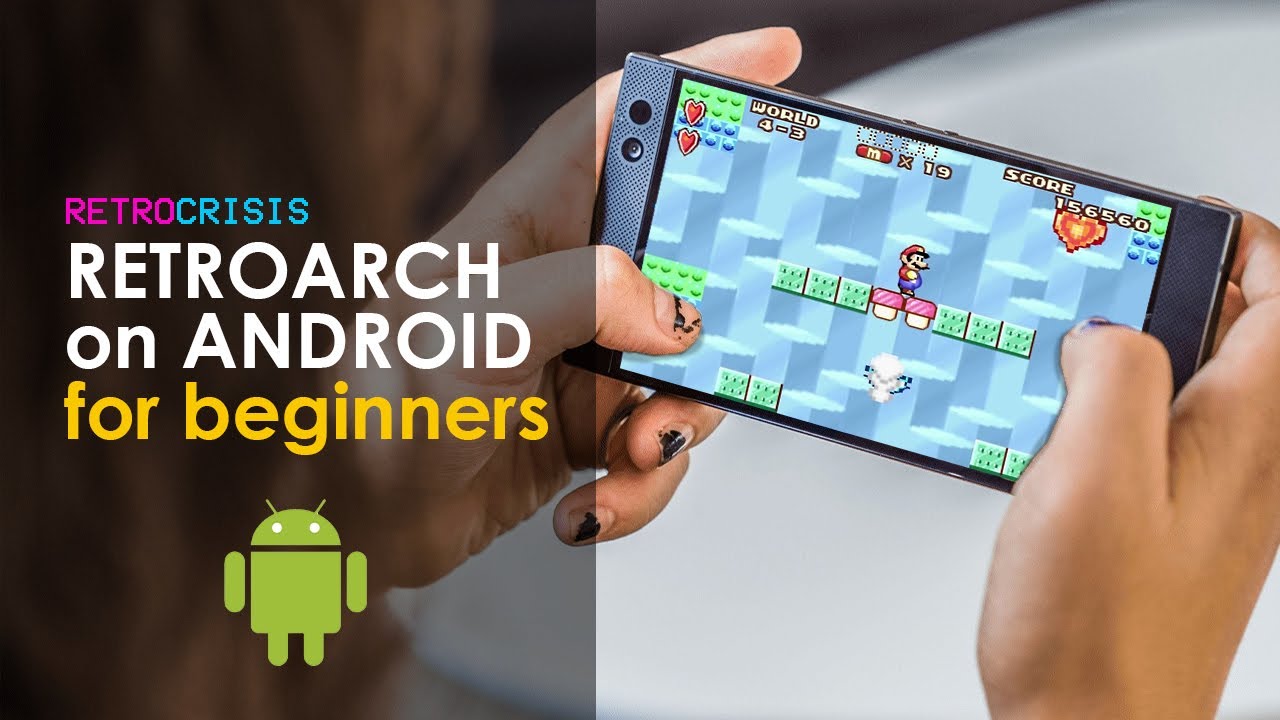
Retro Gaming on Android with RetroArch - Mobile Phone + Tablet
RetroArch isn't just an emulator; it's an entire ecosystem that consolidates dozens of console cores into one powerful interface. Think of it as the Swiss Army knife of retro gaming, capable of handling everything from Atari 2600 to PlayStation 1, all within a single application.
What makes RetroArch exceptional is its core-based architecture. Instead of installing separate apps for each console, you download lightweight cores that plug into RetroArch's framework. This approach gives you access to systems like NES, SNES, Game Boy, Genesis, PlayStation, and many others without cluttering your device with multiple apps.
The learning curve is steeper than standalone emulators, but the payoff is substantial. RetroArch offers shader support for authentic CRT scanline effects, netplay for online multiplayer, achievement systems through RetroAchievements, and incredibly granular control over every aspect of emulation. I've found its rewind feature particularly valuable; nothing beats instantly undoing that mistimed jump in Mega Man X.
PPSSPP
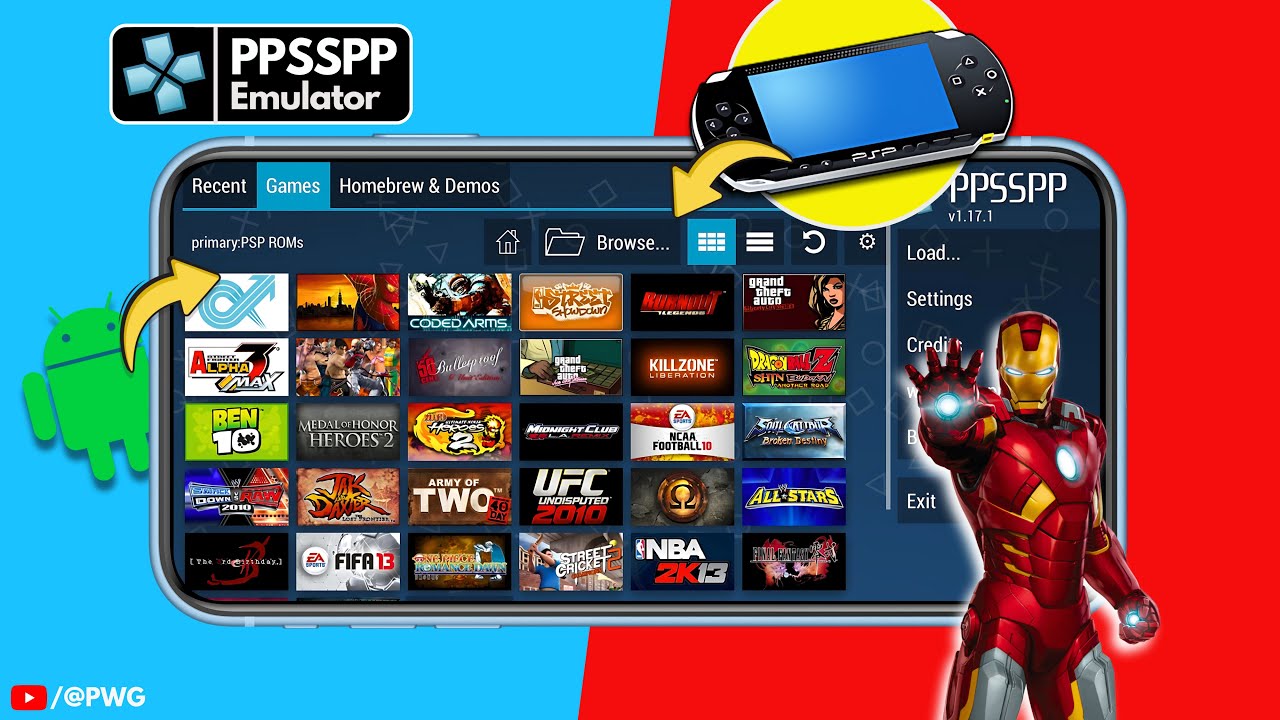
How To Setup PPSSPP Emulator on Android 2024 | PSP Emulator Android
PPSSPP stands as the definitive PSP emulator for Android, and I've yet to encounter another app that handles Sony's handheld library with comparable polish. Developed by Henrik Rydgård, this open-source emulator has been refined over the years into something that often surpasses the original hardware's capabilities.
The performance is genuinely impressive. Games like God of War: Chains of Olympusand Crisis Core: Final Fantasy VIIrun buttery smooth on mid-range devices, and flagship phones can push resolution multipliers that make these titles look sharper than ever. I've played through Persona 3 Portableentirely on my phone during my commute, with zero regrets about not using my actual PSP.
PPSSPP's feature set goes beyond basic emulation. You can upscale textures, apply post-processing effects, customize touchscreen controls with remarkable precision, and even use Bluetooth controllers for a more authentic experience. Save states work flawlessly, letting you pause mid-boss battle without hunting for save points.
Dolphin Emulator
Dolphin Emulator Setup Tutorial - Play GameCube and Wii Games On Windows PC! [Works In 2023]
Bringing GameCube and Wii games to Android seemed impossible just a few years ago, yet Dolphin Emulator makes it look effortless on modern hardware. This is emulation at its most ambitious, requiring substantial processing power but delivering an experience that frequently surpasses the original consoles.
I won't sugarcoat the requirements; you need a device with a Snapdragon 865 or equivalent processor at minimum for playable framerates in demanding titles. But if your phone meets these specs, you're in for something special. The Legend of Zelda: Wind Waker,rendered at 1080p with enhanced textures, transforms the game into something that feels almost like a remaster.
Dolphin's strength lies in its maturity. Originally a desktop project, the Android port inherited years of optimization and compatibility work. Features like HD texture packs, widescreen patches, and controller remapping give you unprecedented control over how these games run and look. The emulator even supports motion controls through your phone's gyroscope, making Wii games surprisingly functional.
NetherSX2
NetherSX2 emerged as the successor to the now-discontinued AetherSX2, continuing the mission of bringing PlayStation 2 emulation to Android. PS2 emulation demands serious horsepower, but this emulator extracts every ounce of performance from modern processors with remarkable efficiency.
The developer focused heavily on optimization, implementing features like frame skipping, resolution scaling, and Vulkan rendering support that squeeze playable framerates from hardware that would struggle with less refined emulators. I've managed to play Shadow of the Colossusand Kingdom Heartson a Snapdragon 888 device at speeds that feel close to the original console experience.
What impresses me most is the attention to compatibility. The PS2's notoriously complex architecture makes emulation challenging, yet NetherSX2 handles a vast library of games without major issues. The interface remains straightforward, avoiding the overwhelming option menus that plague some emulators while still offering essential customization for power users.
You'll need a flagship or upper mid-range phone from the last couple of years to truly enjoy PS2 emulation, but NetherSX2 represents the best shot Android users have at reliving Sony's most successful console generation on mobile. The ability to enhance graphics beyond original resolution adds surprising new life to games I've already beaten multiple times.
Lemuroid
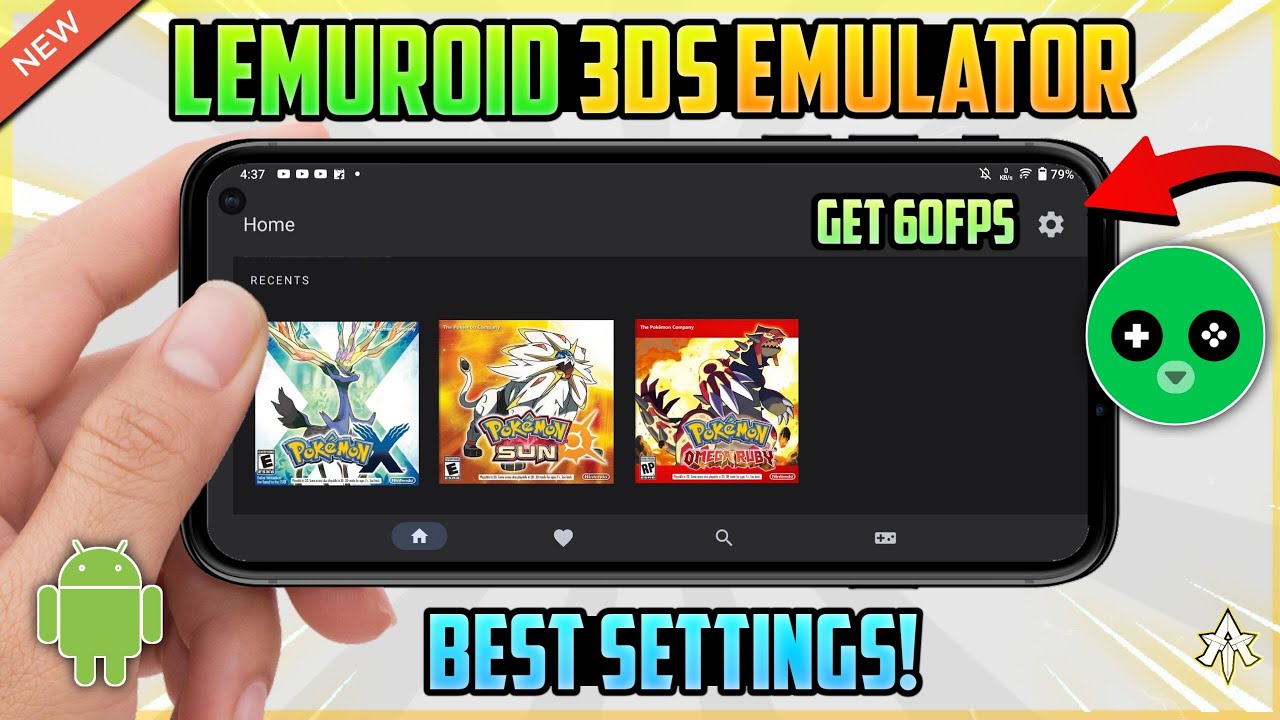
[NEW] Lemuroid 3DS Emulator Android Best Settings 🔥 60FPS On Low End Devices!
Lemuroid takes a refreshingly different approach to multi-system emulation. While RetroArch offers exhaustive options, Lemuroid prioritizes simplicity and immediate playability. It's the emulator I recommend when someone just wants to play games without wrestling with configuration menus.
The app automatically scans your storage for ROM files and organizes them by system, complete with box art pulled from online databases. This attention to presentation creates a library that feels more like browsing a digital storefront than navigating file folders. Launch a game, and Lemuroid handles everything else, no BIOS hunting, no core selection, just gaming.
Despite its simplicity, Lemuroid doesn't sacrifice functionality. It supports systems from NES and Game Boy through PlayStation 1, with excellent compatibility across the board. Save states work seamlessly, touchscreen controls are well-designed, and external controller support is plug-and-play. I particularly appreciate the fast-forward function for grinding through tedious sections in RPGs.
DuckStation
DuckStation has quietly become my preferred PlayStation 1 emulator on Android, dethroning apps that have been around far longer. What sets it apart is the relentless focus on accuracy combined with enhancements that modernize these classic games without compromising their essence.
The emulator achieves near-perfect compatibility with the PS1 library while running smoothly on relatively modest hardware. Games like Castlevania: Symphony of the Nightand Resident Evil 2play flawlessly, but the real magic happens when you enable DuckStation's enhancement options. Upscaling renders games at higher resolutions, texture filtering smooths out pixelation, and PGXP precision fixes the wobbly geometry that plagued original PS1 titles.
I've been particularly impressed by how DuckStation handles multi-disc games. Switching between discs in Final Fantasy VIIIor Metal Gear Solidhappens instantly through the menu, no fumbling with virtual disc trays or loading separate files. The emulator also supports memory card management that's far more intuitive than managing physical cards ever was.
M64Plus FZ
Nintendo 64 emulation on Android has always been tricky; the console's unusual architecture doesn't translate smoothly to mobile hardware. M64Plus FZ tackles these challenges more effectively than any alternative I've tested, delivering N64 gaming that actually feels playable rather than a technical curiosity.
The emulator builds on the Mupen64Plus core with Android-specific optimizations and a user interface that makes sense on touchscreens. Configuration might seem daunting at first with its plugin system for graphics and audio, but the included presets work well for most games. I typically stick with GLideN64 for graphics rendering, which provides the best balance of accuracy and performance.
Games like Super Mario 64, The Legend of Zelda: Ocarina of Time, and GoldenEye 007run smoothly on mid-range devices from the past few years. The touchscreen controls are serviceable, though I strongly recommend a Bluetooth controller for games requiring precise analog stick movement. The emulator's support for texture packs breathes new life into N64's notoriously muddy graphics, seeing Ocarina of Timewith high-resolution textures borders on revelatory.
melonDS
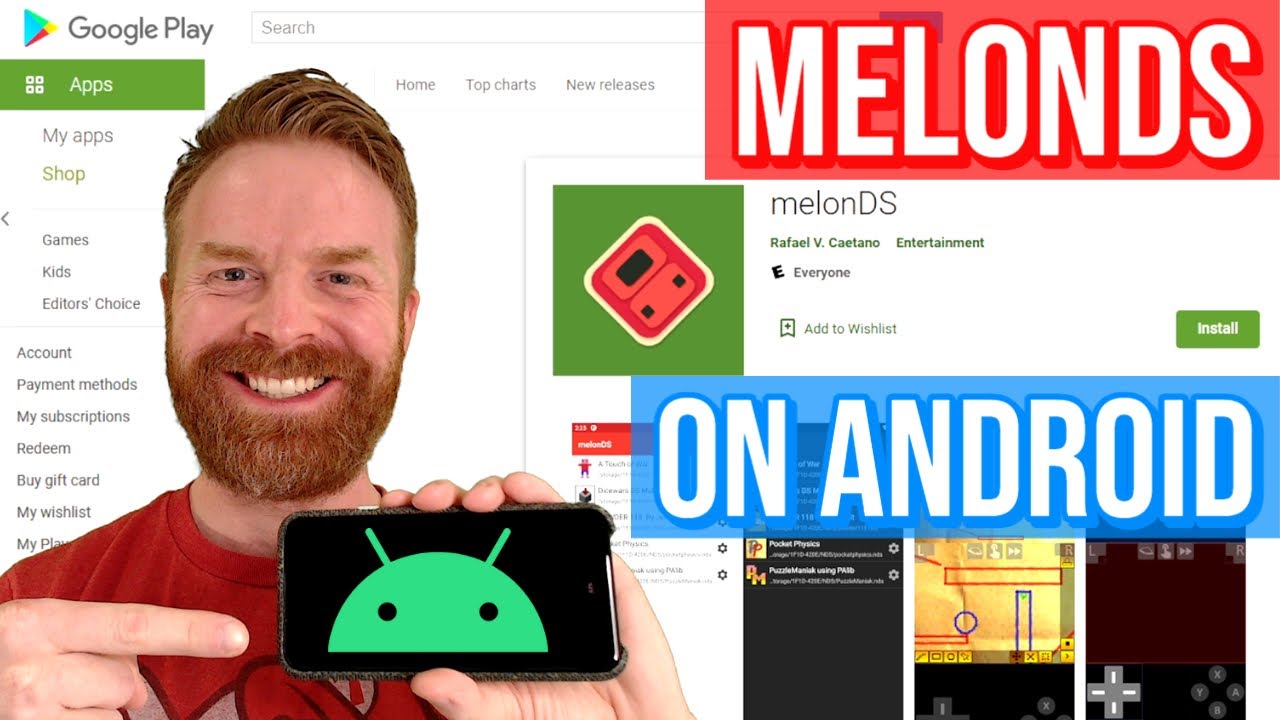
MelonDS On Android - Nintendo DS emulator app (review / setup / tutorial)
Nintendo DS emulationpresents unique challenges due to the dual-screen setup and touchscreen mechanics, but melonDS handles both with elegance. This emulator prioritizes accuracy, aiming to replicate the DS hardware as faithfully as possible while still offering practical enhancements for mobile gaming.
The screen layout options are crucial for DS emulation, and melonDS provides extensive flexibility. You can display both screens vertically, place them side-by-side, or even hide the secondary screen when it's not needed. I prefer the vertical layout for games like The World Ends With Youthat make heavy use of both screens, while Pokémon Platinumworks perfectly with the bottom screen minimized until I need to check the menu.
Performance is excellent across most of the DS library, with even graphically intensive titles like Mario Kart DSrunning at full speed on modern mid-range devices. The touchscreen emulation works surprisingly well; you simply tap your phone screen to interact with the emulated bottom screen. It's not quite the same as the resistive touchscreen of an actual DS, but it's functional for games built around touch input.
Snes9x EX+
Super Nintendo emulation is well-established on Android, but Snes9x EX+ remains my top choice for experiencing Nintendo's 16-bit masterpieces. Developer Robert Broglia has refined this emulator over the years into something that just works, consistently and reliably.
The emulator handles the entire SNES librarywith accuracy that satisfies even purists while maintaining performance that keeps older devices in the game. I've never encountered compatibility issues with any SNES ROM I've tried, from common titles like Super Mario Worldto obscure Japanese imports. The emulation accuracy extends to special chips like the Super FX and SA-1, ensuring games like Star Foxand Super Mario RPGrun exactly as they should.
Customization options strike an ideal balance between flexibility and approachability. You can fine-tune audio sampling rates, adjust video filters for authentic scanline effects, and configure touchscreen controls with pixel-perfect precision. The interface feels native to Android rather than like a port from another platform, with intuitive menus and responsive navigation.
My Boy!

how to download any pokemon game for (MY BOY EMULATOR ANDROID).
Game Boy Advance emulation on Android is crowded with options, but My Boy! has maintained its position as the premium choice through consistent excellence and feature-rich implementation. While not free, the paid version justifies its cost through performance and capabilities that free alternatives struggle to match.
Speed is where My Boy! truly shines. The emulator runs at full speed on virtually any Android device from the past five years, with optimization so efficient that battery drain remains minimal even during extended play sessions. I've completed entire GBA games on a single charge, something that can't be said for all emulators. The link cable emulation for local multiplayer and trading works flawlessly, making it possible to trade Pokémon between save files or battle friends over local Wi-Fi.
The fast-forward function runs at adjustable speeds up to 16x, turning grinding in RPGs from tedious necessity to brief interlude. Cheat code support through GameShark and Action Replay formats adds replay value to games you've already mastered. The emulator even supports motion controls and light sensor emulation for the handful of GBA games that used these features.
My Boy!'s interface feels professional and polished, with a clean aesthetic that prioritizes functionality. The touchscreen controls are responsive and customizable, though external controller support remains the ideal way to experience GBA gaming. For anyone serious about Game Boy Advance emulation, My Boy! represents the best investment you can make.
NES.emu
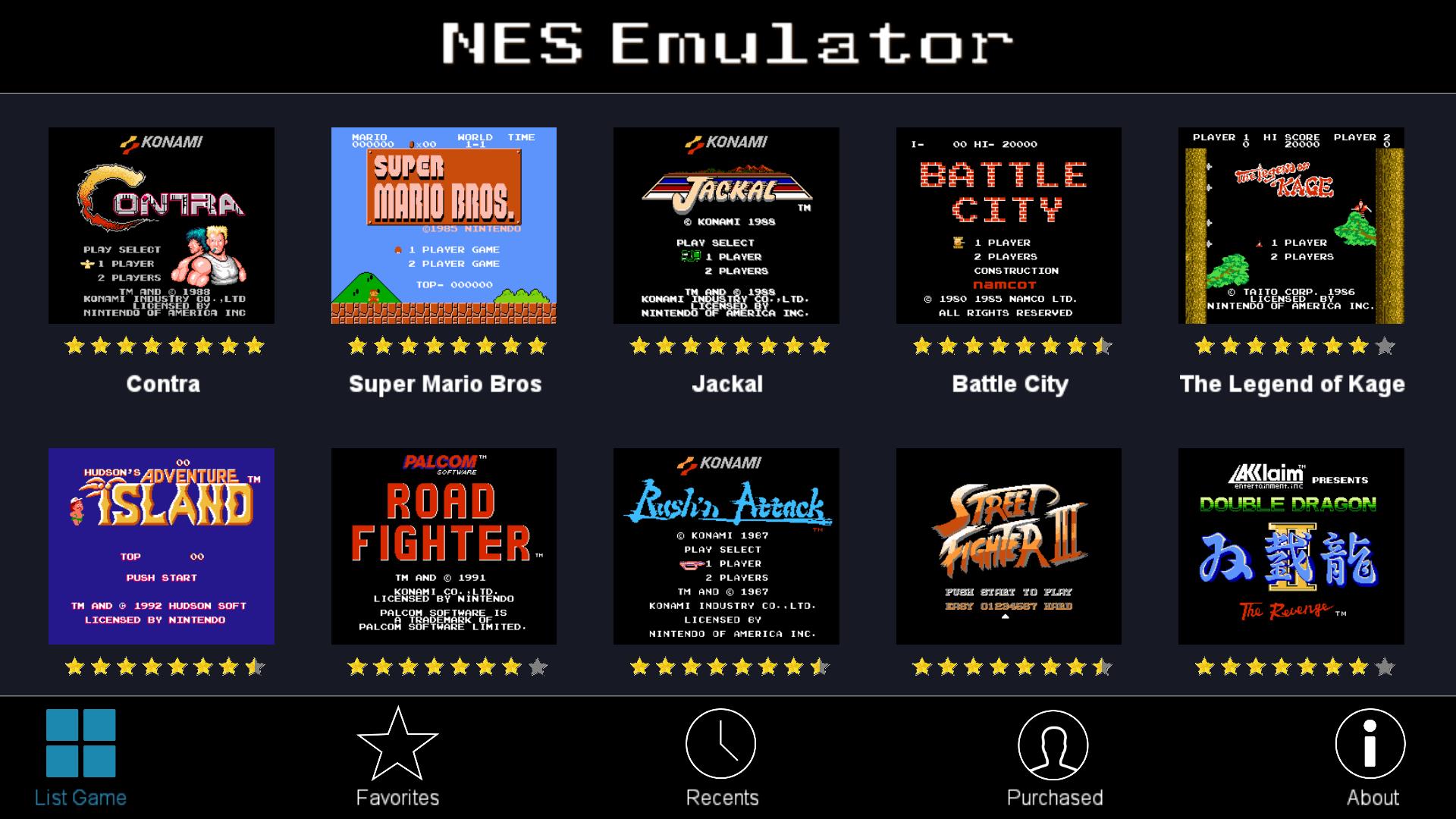
Robert Broglia's NES.emu continues the developer's tradition of creating emulators that prioritize accuracy and usability in equal measure. For the console that revitalized the gaming industry, this emulator provides the definitive Android experience.
The emulation accuracy is exceptional, faithfully reproducing the quirks and behaviors of the original NES hardware. Games like Mega Man 2and Castlevania IIIplay exactly as they did on the actual console, including the slowdown and sprite flickering that were artifacts of the NES's technical limitations. For purists, this accuracy matters—it's how these games were designed to be experienced.
NES.emu includes extensive mapper support, ensuring even obscure import titles and homebrews run without issues. The emulator handles expansion audio chips used in Japanese Famicom games, so soundtracks in titles like Castlevania IIIplay with the enhanced audio that US NES players originally missed. This attention to detail separates NES.emu from more casual emulators.
The customization options let you recreate authentic CRT experiences through shader support, or you can embrace modern sensibilities with crisp pixel-perfect rendering. Save states make notoriously difficult NES games approachable without completely trivializing them. For experiencing Nintendo's 8-bit catalog as it was meant to be played, NES.emu delivers without compromise.
MD.emu
Sega Genesis emulation requires precision to properly handle the console's Motorola 68000 processor and Yamaha sound chips, and MD.emu executes this technical challenge with expertise. This emulator from Robert Broglia's .emu family brings Sega's 16-bit legacy to Android with the same attention to accuracy and polish that defines his other work.
Compatibility spans the entire Genesis library, including Sega CD and 32X games, covering every era of Sega's 16-bit dominance. Games like Sonic the Hedgehog 3and Streets of Rage 2run with pixel-perfect accuracy, while the emulator properly handles less common peripherals like the Sega Channel. The sound emulation deserves particular praise; the distinctive Genesis FM synthesis sounds exactly right, from the slap bass in Streets of Rageto the metallic drums in Sonic 2.
MD.emu supports regional variations, letting you switch between Genesis, Mega Drive, and Japanese releases with different timing and sound characteristics. This matters for games like Castlevania: Bloodlines, which featured different soundtracks depending on region. The ability to remove sprite limits eliminates flickering without breaking games designed around those limitations.
Flycast
Flycast - Multi-Emulator Full Setup Guide for Beginners #dreamcast #flycast #emulator
Sega Dreamcast emulation seemed impossible on mobile devices until recently, but Flycast has brought Sega's final console to Android with results that legitimately impress. This open-source emulator continues the Reicast legacy with active development focused on compatibility and performance improvements.
The Dreamcast's hardware was relatively powerful for its time, which makes emulating it on mobile devices demanding. Flycast requires, at a minimum, a Snapdragon 845 or equivalent, with better results on newer flagship processors. When you meet these requirements, the results are spectacular; games like Sonic Adventure 2and Marvel vs. Capcom 2run at full speed with enhanced resolution that makes these games look better than they ever did on original hardware.
I've been particularly impressed by the arcade compatibility. Flycast handles Naomi arcade boards that shared architecture with the Dreamcast, bringing arcade-perfect versions of fighting games like Capcom vs. SNK 2to your pocket. The emulator supports widescreen patches for games that originally ran in 4:3, and the texture upscaling breathes new life into games I've played dozens of times.
Redream
Redream offers an alternative approach to Dreamcast emulation, prioritizing ease of use and broad compatibility. While Flycast aims for accuracy, Redream focuses on getting games running smoothly with minimal configuration, a philosophy that appeals to users who just want to play without tweaking settings endlessly.
The free version includes ads and limits rendering resolution to 1080p, while the premium version removes these restrictions and unlocks higher resolution multipliers. Even the free tier delivers solid performance on mid-range devices, making Dreamcast gaming accessible without upfront investment. Games like Shenmueand Jet Set Radiorun smoothly with enhanced visuals that showcase what these titles could have been with more powerful hardware.
Redream's automatic game scanning and library organization create an appealing interface that makes browsing your collection genuinely pleasant. The emulator handles disc images and CDI files without hassle, and multi-disc games like Shenmueswap discs seamlessly. I appreciate the straightforward approach: launch Redream, select a game, and start playing within seconds.
The compatibility rate hovers around 80-85%, which trails Flycast but still covers the most popular titles. The trade-off between Redream's simplicity and Flycast's accuracy comes down to personal preference. For users who want Dreamcast emulation without complexity, Redream delivers a polished, accessible experience.
ePSXe
ePSXe has been the premier PlayStation 1 emulator on Android for years, though newer alternatives like DuckStation have challenged its dominance. Despite increased competition, ePSXe remains relevant through mature optimization, extensive plugin support, and a vast user base that has documented solutions to virtually any problem.
The emulator offers remarkable flexibility through its plugin system for graphics and sound. You can select between different rendering plugins depending on whether you prioritize speed or visual enhancements. The OpenGL plugin enables resolution scaling that transforms PS1 games into something approaching modern standards, though the results vary depending on how well individual games handle higher resolutions.
ePSXe's compatibility is comprehensive, handling even problematic titles that trip up other emulators. I've successfully run every PS1 game I've tried, including imports and obscure titles with unusual copy protection. The emulator handles multi-disc games elegantly, and memory card management provides more flexibility than the original PlayStation ever offered.
Pizza Boy GBA
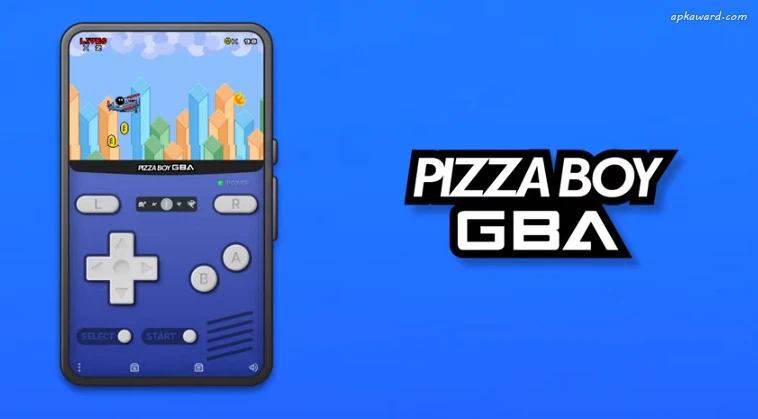
Pizza Boy GBA approaches Game Boy Advance emulation with a focus on accuracy and unique features that differentiate it from competitors. Developed with a clear passion for getting things right, this emulator satisfies both casual players and technical purists seeking an authentic reproduction of GBA hardware.
The accuracy is remarkable, with the emulator passing virtually all hardware tests that verify correct CPU and PPU behavior. This matters for games with precise timing requirements or those that exploit GBA hardware quirks. I've never encountered graphical glitches or audio problems in any game I've tested, including notoriously finicky titles like Mother 3.
Pizza Boy GBA includes color correction that reproduces the GBA's screen characteristics, making games look as they did on actual hardware rather than overly bright and washed out. You can disable this if you prefer the enhanced visibility, but having the option demonstrates the developer's commitment to authenticity. The emulator also features ghost LCD effects that simulate the original screen's motion blur, a subtle touch that makes games feel more period-appropriate.
Citron

Switch Android Emulator Citron setup
Citron represents one of the newest frontiers in Android emulation, bringing Nintendo Switch games to mobile devices. This ambitious project builds on the Citra 3DS emulator's foundation while targeting Nintendo's hybrid console, and while it remains experimental, the results already show promise.
Fair warning: Switch emulation on Android is bleeding-edge technology requiring flagship hardware with substantial RAM and storage. You'll need at a minimum a Snapdragon 8 Gen 1 or equivalent with 8GB RAM to even attempt running Switch games. Even then, performance varies wildly depending on the title. Simpler games like Pokémon Scarlet/Violetcan achieve playable framerates, while demanding titles like The Legend of Zelda: Tears of the Kingdomstruggle significantly.
The emulator requires game dumps in XCI or NSP format along with system firmware and encryption keys, making setup considerably more complex than plug-and-play emulators. Compatibility is limited, with perhaps 30-40% of the Switch library achieving playable status. However, when Citron works, it feels like glimpsing the future; playing actual Switch titles on your phone remains remarkable despite the technical limitations.
Sudachi

Switch Emulator Sudachi Setup Guide
Sudachi takes a different approach to Switch emulation on Android, forking from the Yuzu emulator project with optimizations specifically targeting mobile hardware. Like Citron, it represents experimental technology that pushes Android devices to their absolute limits.
The emulator's performance characteristics differ slightly from Citron, with some games running better on Sudachi while others perform worse. This variance makes having both emulators valuable for Switch enthusiasts, as what struggles on one might run acceptably on the other. I've found Sudachi particularly effective with 2D games and less demanding 3D titles, achieving more consistent framerates than competing emulators.
Sudachi's interface is more straightforward than some alternatives, with clearer explanations of settings and what they affect. The emulator includes Vulkan support that can improve performance on compatible devices, and the developers actively optimize for popular games based on community feedback. Updates arrive regularly, each bringing compatibility and performance improvements.
The same caveats apply as with Citron—you need flagship hardware, significant storage space, and patience for imperfect emulation. Switch games are massive, often exceeding 10-15GB, so ensure you have ample storage before diving in. This is an emulation for those chasing the cutting edge rather than seeking polished, reliable experiences. But for seeing what's possible and occasionally achieving genuinely playable Switch gaming on Android, Sudachi offers another avenue worth exploring.
Yaba Sanshiro 2
How to set up and Play!!! YABA SANSHIRO - SEGA SATURN EMULATOR (ANDRIOD)
Sega Saturn emulation is notoriously difficult due to the console's complex multi-processor architecture, but Yaba Sanshiro 2 tackles this challenge with impressive results. This is the only Saturn emulator on Android that delivers genuinely playable performance across a reasonable portion of the library.
The Saturn's unique hardware means perfect emulation remains elusive even on desktop systems, so expectations need adjustment. Yaba Sanshiro 2 achieves compatibility with roughly 60-70% of the Saturn library, with varying degrees of success. Games like Panzer Dragoonand Nights into Dreamsrun smoothly, while more demanding titles may suffer from graphical glitches or slowdown.
Performance requires mid-range to flagship hardware from recent years. The emulator includes various rendering options, with the OpenGL backend providing the best balance of compatibility and speed. I've found the rewind feature particularly valuable for Saturn games, many of which were brutally difficult even by 90s standards.
GBC.emu
GBC.EMU - gameboy&Gameboy Color Emulation setup(All Android Devices)
Game Boy Color emulation might seem simple compared to more powerful consoles, but doing it right requires attention to detail. GBC.emu from Robert Broglia delivers accurate Game Boy and Game Boy Color emulation with the quality standards that define his entire emulator collection.
The emulator handles both original Game Boy and Game Boy Color games flawlessly, with accurate color reproduction that respects each system's characteristics. Games look vibrant on modern screens while maintaining the aesthetic that defined Nintendo's handheld success. The emulator includes color palette options for original Game Boy games, letting you choose between the classic green-tinted look or various colorization schemes.
GBC.emu supports the full range of Game Boy peripherals, including the printer, camera, and motion sensors. While these features saw limited use, having them available means every GBC game works exactly as intended. The link cable emulation enables trading and battling in Pokémon games, essential functionality for fully experiencing Nintendo's monster-catching phenomenon.
ClassicBoy Pro

Classic Boy Android Emulator
ClassicBoy Pro consolidates multiple console emulators into a single package, offering a RetroArch alternative with a more conventional interface. The app handles PlayStation 1, Nintendo 64, Game Boy Advance, Game Boy Color, NES, SNES, and Sega Genesis, essentially covering the most popular retro systems before the sixth generation.
The unified interface creates a consistent experience across different consoles. Launch ClassicBoy, select your system, browse your games, and start playing. This consistency appeals to users who want simplicity without sacrificing functionality. The emulator includes automatic game detection with cover art download, creating an attractive library view that makes browsing collections genuinely enjoyable.
Performance varies by system, with 16-bit and earlier consoles running flawlessly on any modern device. PlayStation 1 and N64 emulation requires more powerful hardware, but generally performs well on mid-range phones from recent years. The emulator supports save states, fast-forward, and external controllers across all systems, providing feature parity regardless of which console you're playing.
EmuBox
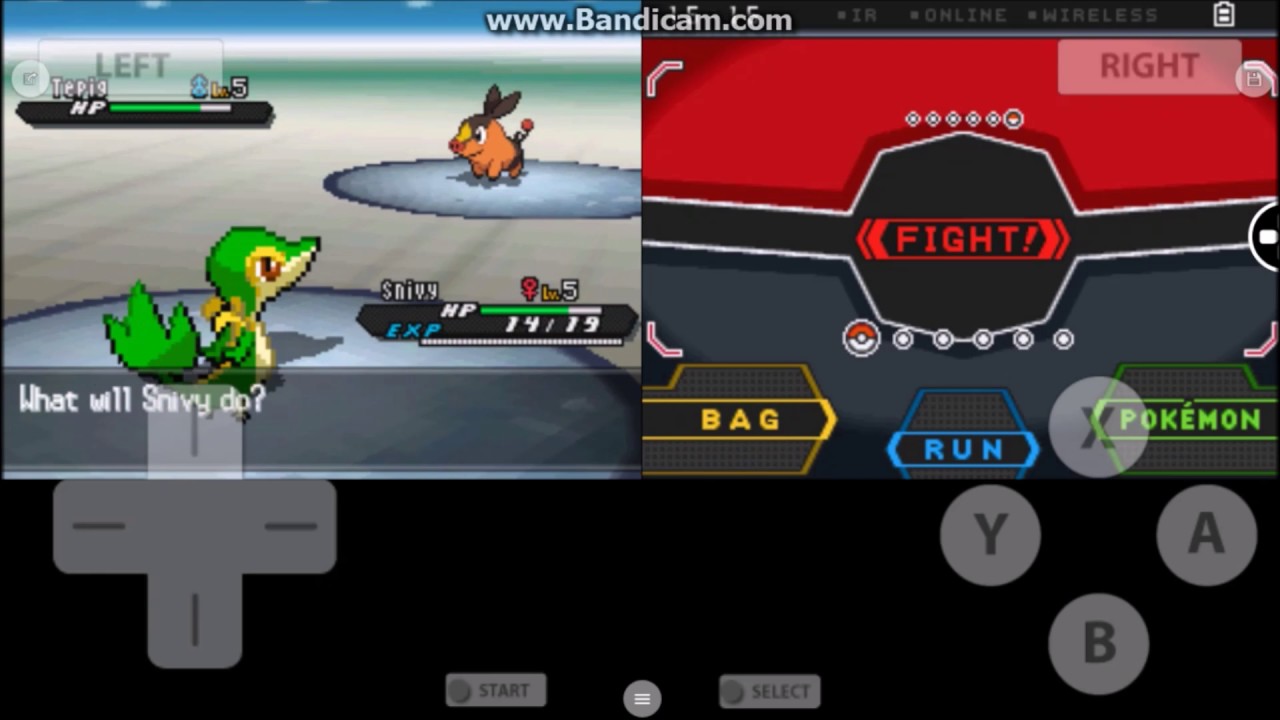
EmuBox - Fast PSX, SNES, GBA, GBC, Nintendo DS Emulator free
EmuBox takes a similar multi-console approach as ClassicBoy, packaging multiple emulators within a single free application. The app supports NES, SNES, PlayStation 1, Game Boy Advance, Game Boy Color, Nintendo DS, and Sega Genesis, covering significant ground in the retro gaming landscape.
What distinguishes EmuBox is its accessibility. The interface is straightforward and welcoming to newcomers, with automatic ROM scanning that populates your library without manual organization. The emulator includes a built-in download manager for game box art and game information, creating an attractive presentation that makes your collection feel curated.
Performance across the supported systems is respectable, though not quite matching the best standalone emulators for each platform. The difference rarely impacts gameplay significantly; games run at full speed, and compatibility remains high. The emulator includes customizable touchscreen controls, save states, fast-forward, and Bluetooth controller support, covering the essential features most users need.
Vita3K
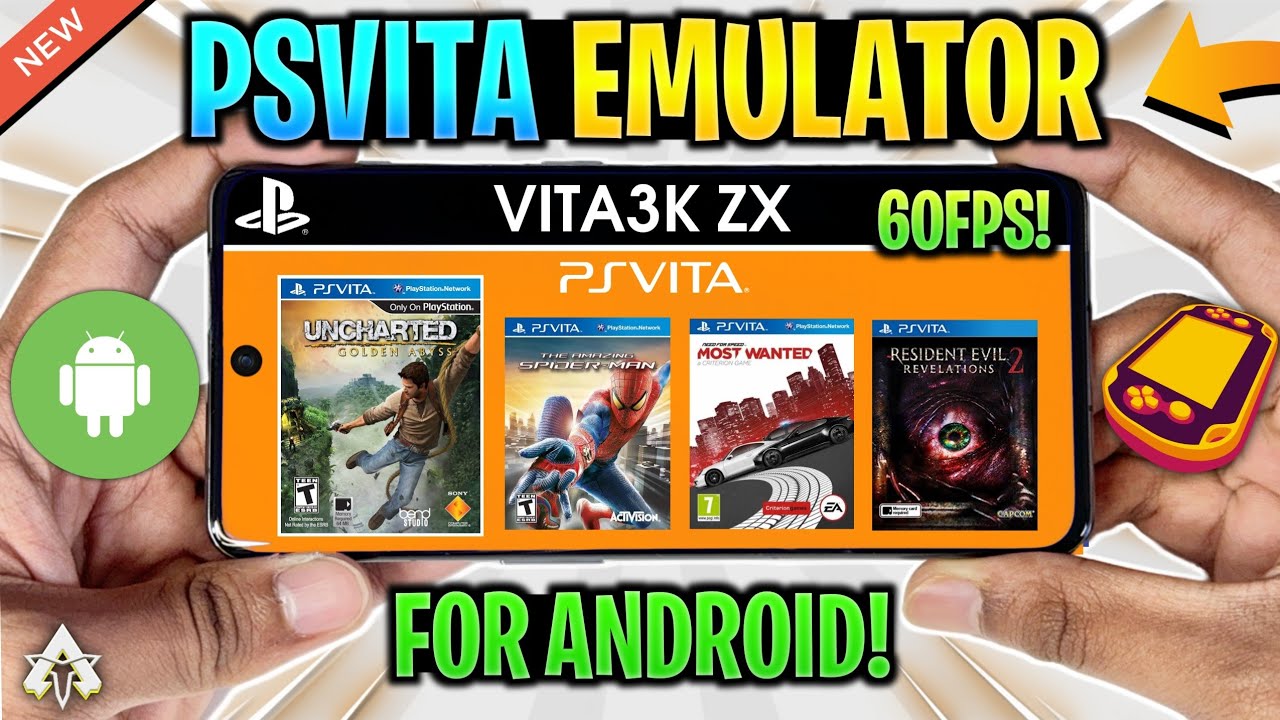
NEW 🔥 PSVITA EMULATOR FOR ANDROID - VITA3K ZX | SETUP/BEST SETTINGS & GAMEPLAY!
PlayStation Vita emulation on Android represents one of emulation's newest frontiers, and Vita3K brings Sony's underappreciated handheld to mobile devices. This is experimental software requiring powerful hardware and patience, but it offers access to a library that remains largely exclusive to Vita hardware.
The technical requirements are substantial; flagship devices with Snapdragon 8 Gen 1 or newer processors represent the minimum for reasonable performance. Even then, framerates vary wildly depending on the game. Simpler titles like visual novels or 2D games can run well, while graphically intensive 3D games struggle significantly. Storage requirements are also considerable, with games often exceeding 3-4GB.
Compatibility remains limited, with perhaps 40-50% of Vita games achieving playable status. The emulator requires game dumps along with Vita firmware files, making setup more complex than most emulators. For games that do work, the experience captures what made the Vita special: HD visuals, dual analog controls, and innovative gameplay that bridged handheld and console gaming.
Popular Console Games You Can Play on These Emulators
The beauty of console emulation lies not just in the technology but in the vast libraries these emulators unlock. Across the 23 emulators I've covered, you gain access to thousands of games spanning four decades of gaming history. Let me highlight some must-play titles that showcase why emulation matters.
NES Classics
These foundational titles established gaming conventions we still rely on today:
- Super Mario Bros. 3: Perfected 2D platforming with inventive power-ups and level design.
- The Legend of Zelda: Created the action-adventure genre with open-ended exploration.
- Mega Man 2: Balanced challenge and fairness, setting the standard for the entire series.
Super Nintendo (SNES)16-bit gaming at its peak:
- Chrono Trigger: Often hailed as the greatest JRPG ever, blending time travel, memorable characters, and innovative combat.
- Super Metroid: Defined atmospheric exploration in 2D.
- The Legend of Zelda: A Link to the Past: Established Nintendo’s enduring action-adventure formula.
- Super Mario Worldand Donkey Kong Country: Masterclasses in platforming from two distinct design philosophies.
SNES RPGs – The Golden Age
- Final Fantasy VI: An emotionally resonant ensemble story about rebellion and loss.
- Earthbound: Brought quirky humor and modern settings to a fantasy-dominated genre.
- Secret of Mana: Pioneered three-player cooperative RPG gameplay.
Sega Genesis
Sega’s bold, fast-paced identity:
- Sonic the Hedgehog 2: Speed-focused platforming that contrasted Nintendo’s precision style.
- Streets of Rage: The definitive beat-’em-up with fluid combat and an iconic soundtrack.
- Phantasy Star IV: A sci-fi JRPG with innovative menus and narrative depth.
Game Boy Color
Maximizing limited hardware:
- The Legend of Zelda: Link’s Awakening DX: A full Zelda experience rivaling console entries.
- Pokémon Crystal: Added animated sprites and the Battle Tower to the addictive core formula.
- Wario Land 3: Creative platforming using Wario’s transformations as puzzle mechanics.
Nintendo 64
Pioneering 3D gaming:
- The Legend of Zelda: Ocarina of Time: Set the template for 3D action-adventure.
- Super Mario 64: Revolutionized 3D platforming with dynamic camera and movement.
- GoldenEye 007: Brought the FPS genre to consoles with style and multiplayer depth.
- Perfect Dark: Expanded on GoldenEye’s foundation with ambitious design.
PlayStation 1
Cinematic storytelling and genre-defining experiences:
- Final Fantasy VII: Redefined JRPG storytelling for a generation.
- Metal Gear Solid: Proved games could deliver cinematic, narrative-driven experiences.
- Castlevania: Symphony of the Night: Created the Metroidvania blueprint still used today.
- Resident Evil 2: Set the gold standard for survival horror, especially enhanced via emulators like DuckStation or ePSXe.
Game Boy Advance
Console-quality gaming on the go:
- Pokémon Emeraldand FireRed/LeafGreen: Hundreds of hours of monster collecting at its best, rivaling the addictive career building in top football managertitles.
- The Legend of Zelda: The Minish Cap: A perfectly paced handheld Zelda adventure.
- Metroid Fusionand Metroid: Zero Mission: Atmospheric exploration with stunning sprite work that holds up beautifully when upscaled.
Nintendo DS
Innovative use of dual screens:
- The World Ends With You: One of the most original RPGs ever, using both screens for unique combat.
- Pokémon HeartGold/SoulSilver: Refined the Pokémon formula to near-perfection with fan-favorite features.
- Chrono Trigger DS: Brought the SNES classic to a new generation with bonus content.
Sega Dreamcast
Sega’s final, brilliant burst of creativity:
- Jet Set Radio: Cel-shaded visuals and infectious music years ahead of its time.
- Shenmue: Pioneered open-world design with detailed environments and daily NPC routines.
- Marvel vs. Capcom 2: The definitive tag-team fighter with an unmatched 56-character roster.
PSP Near-console experiences in your hands:
- God of War: Chains of Olympus: Epic scale and action faithfully adapted to handheld.
- Crisis Core: Final Fantasy VII: Expanded FF7’s lore with engaging real-time combat.
- Persona 3 Portable: Brought one of the best JRPGs to portable play, adding a compelling female protagonist route.
PSP Fighting Games
- Tekken 6: Console-quality 3D fighting with deep mechanics.
- Dissidia Final Fantasy: Surprisingly engaging combat reimagining FF characters as fighters.
- Soulcalibur: Broken Destiny: Faithfully translated the weapons-based fighter to handheld without compromise.
GameCube & Wii
Nintendo’s era of bold innovation:
- The Legend of Zelda: Wind Waker: Initially divisive, now celebrated for its artistic vision.
- Metroid Prime: Reimagined Metroid in first-person while preserving its exploratory soul.
- Super Smash Bros. Melee: Remains the competitive gold standard for platform fighters.
- Resident Evil 4: Revolutionized third-person action and influenced game design for years.
GameCube Adventure Games
- Eternal Darkness: Sanity’s Requiem: Used psychological horror and fourth-wall breaks to unsettle players.
- Tales of Symphonia: A lengthy JRPG with real-time combat and branching narratives.
- Paper Mario: The Thousand-Year Door: Combined RPG mechanics, platforming, and sharp comedy rarely matched since.
The games I've mentioned barely scratch the surface; these emulators provide access to libraries containing thousands of titles across genres, regions, and eras. From obscure Japanese imports never officially localized to cult classics that deserve wider recognition, mobile emulation opens doors that were previously closed. The convenience of carrying this entire gaming history in your pocket transforms how we engage with these classics, making them accessible during commutes, travels, or lazy afternoons in ways the original hardware never allowed.
Tips to Optimize Performance When Using Android Emulators for Console Games
- Allocate sufficient CPU and RAM resources in emulator settings to avoid bottlenecks.
- Use wired or Bluetooth controllers compatible with your emulator for precise input.
- Disable background apps on your device to free system resources.
- Adjust graphics settings to match your device's capabilities, reducing resolution or frame rate if lag appears.
- Use a stable Wi-Fi connection or Ethernet when playing online games to minimize latency.
Common Issues With Android Emulators and How to Fix Them
- Lag or Stuttering:Lower emulator resolution, increase RAM allocation, or update your graphics drivers.
- Crashes or Freezing:Ensure your hardware meets the minimum emulator requirements and update the emulator to the latest version.
- Controller Not Working:Verify controller compatibility and check input settings inside the emulator.
- Game Compatibility Issues:Look for emulator-specific game patches or community fixes.
- Slow Loading Times:Close unnecessary background apps and clear the emulator cache.
Frequently Asked Questions
Do I need to root my Android to use these emulators?
No. Unlike a decade ago, virtually all the best Android emulators for playing console games run perfectly fine on a non-rooted (stock) Android device. Rooting is generally unnecessary and can even complicate the process due to security restrictions on modern OS versions.
Why does my game run slowly even though I have a powerful phone?
Slowness is usually due to one of three things: 1) A Bad ROM: The game file may be corrupted or a bad dump. 2) Shader Compilation: High-end emulators like Dolphin need time to compile game shaders on first launch, which causes temporary stuttering. 3) Thermal Throttling: Your powerful phone overheats during long sessions and slows down the CPU to protect the components.
What is the difference between a save state and an in-game save?
An in-game save uses the original console's memory card/battery backup system, while a save state is a snapshot of the entireemulator's state at one precise moment. Save states are instant, can be loaded anywhere, and are one of the best features of modern emulation.
Where should I place my ROM files on my Android device?
I advise creating a single, dedicated folder named "Emulation" or "ROMs" in the root of your internal storage. Inside this folder, create subfolders for each console (e.g., "ROMs/PS2," "ROMs/SNES"). This simplifies organization and allows frontends like Dig or Lemuroid to easily scan and organize your library.
Is RetroArch always the best choice for its multi-system support?
No. While RetroArch is flexible, standalone emulators like AetherSX2 (PS2) or DraStic (DS) are often developed by smaller teams dedicated to maximizing performance for that single system. They often offer unique features or higher framerates than the generic RetroArch core for that console.
Can I use a PS5 DualSense or Xbox Series X controller with my Android emulator?
Absolutely. Both the DualSense and Xbox Series X controllers connect easily via Bluetooth and are automatically recognized by Android and most modern emulators. They offer the best plug-and-play experience available today.
What is "upscaling" and should I use it?
Upscaling is setting the emulator to render the game at a resolution higher than the original console could manage (e.g., 4x the original resolution). If you have a powerful phone, upscaling makes 3D games look much cleaner and sharper on your modern screen. However, it is the single most demanding setting and is the first thing to reduce if you experience lag.
Why do some emulators require me to install a "BIOS"?
The BIOS file contains the console's core operating instructions, which are required for the emulator to mimic the system's startup and function correctly. It ensures compatibility and accurate loading for complex systems, such as the PS1 or PS2. Without it, the emulator cannot start the virtual hardware.
Final Thoughts
Personal experience taught me that choosing an emulator is just the beginning. The perfect emulator complements your device and gaming preferences, and fine-tuning it makes all the difference. Whether you prioritize speed, compatibility, or controller support, the right emulator transforms your Android device into a console powerhouse.
I encourage you to try a few from this list, test them with your favorite games, and don’t shy away from tweaking settings. Emulators open a gateway to vast gaming libraries beyond your console shelf, but the joy comes when the games run smoothly, controls respond instantly, and you dive into immersive gameplay, free from tech friction.
If this list helped you narrow your choices, share it with fellow gamers or subscribe to stay tuned for deeper dives into gaming tech and tips.